
7 Essential UX Elements for High‑Converting Car Dealer Websites

Updated: Jul 24, 2025
By: Mike Caniz

Looking to turn more website visitors into car buyers? You’re not alone. In today’s digital world, your dealership's website is often the first impression people get of your business. And just like that shiny showroom floor, your site needs to feel welcoming, professional, and easy to navigate. If it’s clunky, confusing, or slow, your potential customers might hit the back button faster than a Ferrari in sport mode.
So what’s the secret to creating car dealer websites that actually convert visitors into leads? It all comes down to user experience, or UX for short. In this guide, we’ll dive into the 7 essential UX elements every car dealership website needs to boost conversions, keep users happy, and ultimately drive more sales.
Let’s pop the hood and see what makes a high-performing dealer site run smoothly.
1. Intuitive Navigation in Car Dealer Websites
Before a visitor ever picks up the phone or fills out a form, they’re doing one thing: clicking around your site. And if they can’t find what they’re looking for? They’re gone.
Clear Menus that Guide the Journey
The main navigation menu should be crystal-clear and easy to use. Avoid fancy or vague names like "Drive" or "Explore" unless you're absolutely sure it makes sense to your users. Stick with tried-and-true options like:
New Inventory
Used Cars
Financing
Specials
Service & Parts
Contact Us
Bonus points if your menu stays sticky as users scroll down—this keeps important pages just a click away.
Smart Filters for Faster Searches
A huge part of good UX for car dealer websites is helping users narrow their search quickly. Filters are your best friend here. Let customers sort by:
Price range
Make and model
Year
Body style
Mileage
Fuel type
The faster they find their dream ride, the better their experience.
Breadcrumbs for Easy Backtracking
Breadcrumb navigation might sound like a bakery feature, but it’s super helpful for users. If someone lands deep within your used SUV listings, breadcrumbs show them the path they took (e.g., Home > Inventory > Used > SUV), and let them go back a level with a single click.
2. Mobile-First Design
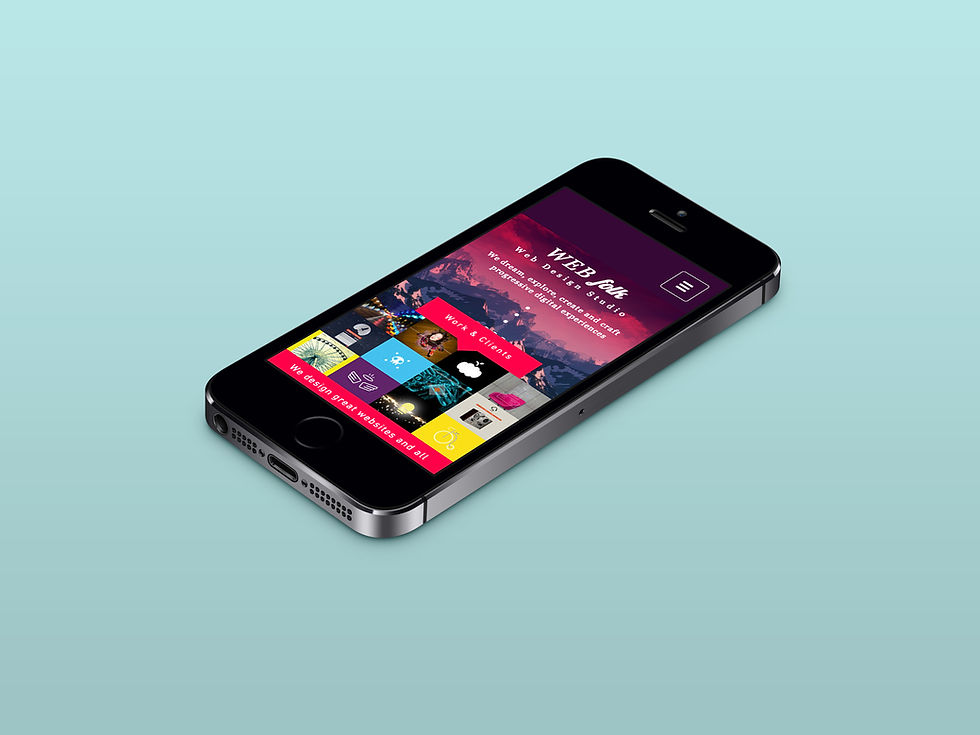
Here’s a stat that might shock you: Over 60% of auto shoppers start their journey on mobile. If your car dealer website doesn’t look amazing on a phone, you’re leaving leads on the table.
Responsive Layout That Feels Native
Mobile users shouldn’t feel like they’re zooming, squinting, or tapping tiny buttons. A responsive design automatically adjusts to screen sizes and feels intuitive. Keep buttons thumb-sized, menus collapsible, and forms super simple.
Clickable Phone Numbers and CTAs
Make it as easy as possible for mobile users to act. That means clickable phone numbers (using the tel: tag) and call-to-action (CTA) buttons that stand out and aren’t buried below miles of scrolling. Think bright, tappable, and above the fold.
Fast Load Speeds on All Devices
A slow site is a dead site. Mobile users are even less patient than desktop users. Optimize your images, compress files, and consider tools like lazy loading to boost performance. Google PageSpeed Insights is a great tool to check your speed.

3. Trust-Boosting Visuals and Content
You can have the cleanest navigation and fastest site on the internet, but if users don’t trust you? They won’t convert. Your website should communicate professionalism and transparency at every turn.
High-Quality Vehicle Photos
Forget blurry or dark photos. Give users the full visual experience of the car from multiple angles. Include:
Exterior shots from all sides
Interior close-ups
Tire tread, dashboard, and seating condition
360-degree viewers or video walkthroughs? Even better.
Customer Reviews and Testimonials
Nothing sells trust like other happy customers. Display recent reviews directly on your homepage, vehicle pages, or a dedicated testimonials section. Real photos and names add even more credibility.
Dealer Awards, Certifications, and Guarantees
Are you a certified dealer? Do you offer a 7-day return window? Have you won any community awards? Brag a little! Logos and badges build authority and reassure visitors that they’re in good hands.

4. Conversion-Focused CTAs and Forms
Here’s the magic moment: when a visitor decides to raise their hand and become a lead. Your job is to make this process as smooth and painless as possible.
Strategic Call-to-Action Placement
"Call Now," "Book a Test Drive," or "Get a Quote" buttons should appear in all the right places:
At the top and bottom of every vehicle page
On every inventory list
In sticky headers or floating widgets
Use contrasting colors and strong action verbs to grab attention.
Short, Smart Forms
If your contact form asks for someone’s blood type and the name of their first pet, they’ll abandon it. Keep forms short—name, phone, and a preferred time are usually enough. Add optional fields if needed, but don’t overdo it.
Live Chat and Chatbots
Some visitors prefer to chat instead of calling or emailing. Integrate a live chat or chatbot that can answer FAQs, collect lead info, and guide them through your site. Bonus if it feels friendly and human.
Conclusion: Drive More Results with Better UX
At the end of the day, car dealer websites are more than just digital brochures—they’re lead-generating engines. And like any engine, they need the right components to run efficiently.
From intuitive navigation and mobile-friendly layouts to trust-building visuals and conversion-optimized CTAs, these 7 UX essentials can dramatically improve how your dealership connects with online shoppers.
Need a little help tuning up your site? CanizDMS specializes in designing high-converting car dealer websites that are fast, modern, and built with UX at the core. Whether you're starting fresh or want to improve your current setup, we’re here to help you shift into high gear.
Let’s build something your customers (and your sales team) will love.


Comments